AI company shirt maker

Custom employee shirts and team apparel Designed to ship. Built to wear.

Describe the team. Turn a company name, logo, staff role, or event into shirts your crew can actually wear.

No sign-up required. Great for one proof, a small team, or the whole roster.

Free to try

preview before checkout

No minimums

proof one shirt or order the roster

Real shirt preview

choose color and placement

Starting at$20.99
T-ShirtEmployee shirts
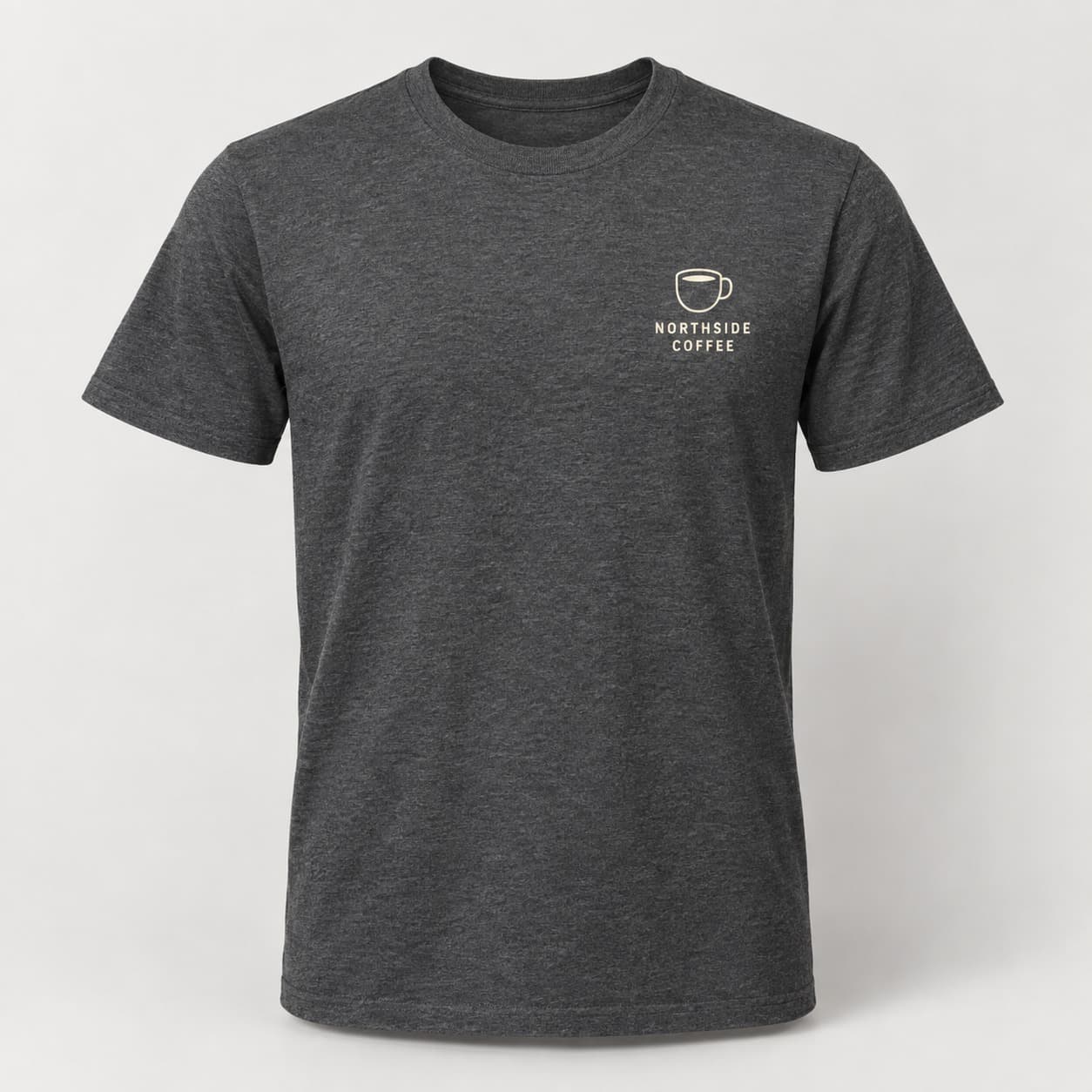
Printed on Bella+Canvas · List tagline, phone, and services when you want them printed on the back — chest badge stays logo + name
  • Describe the business, staff role, event, or uniform idea in plain language.
  • Attach a logo or reference image so the artwork can stay close to your brand.
  • Preview the design on real shirt colors before you add team sizes to the cart.
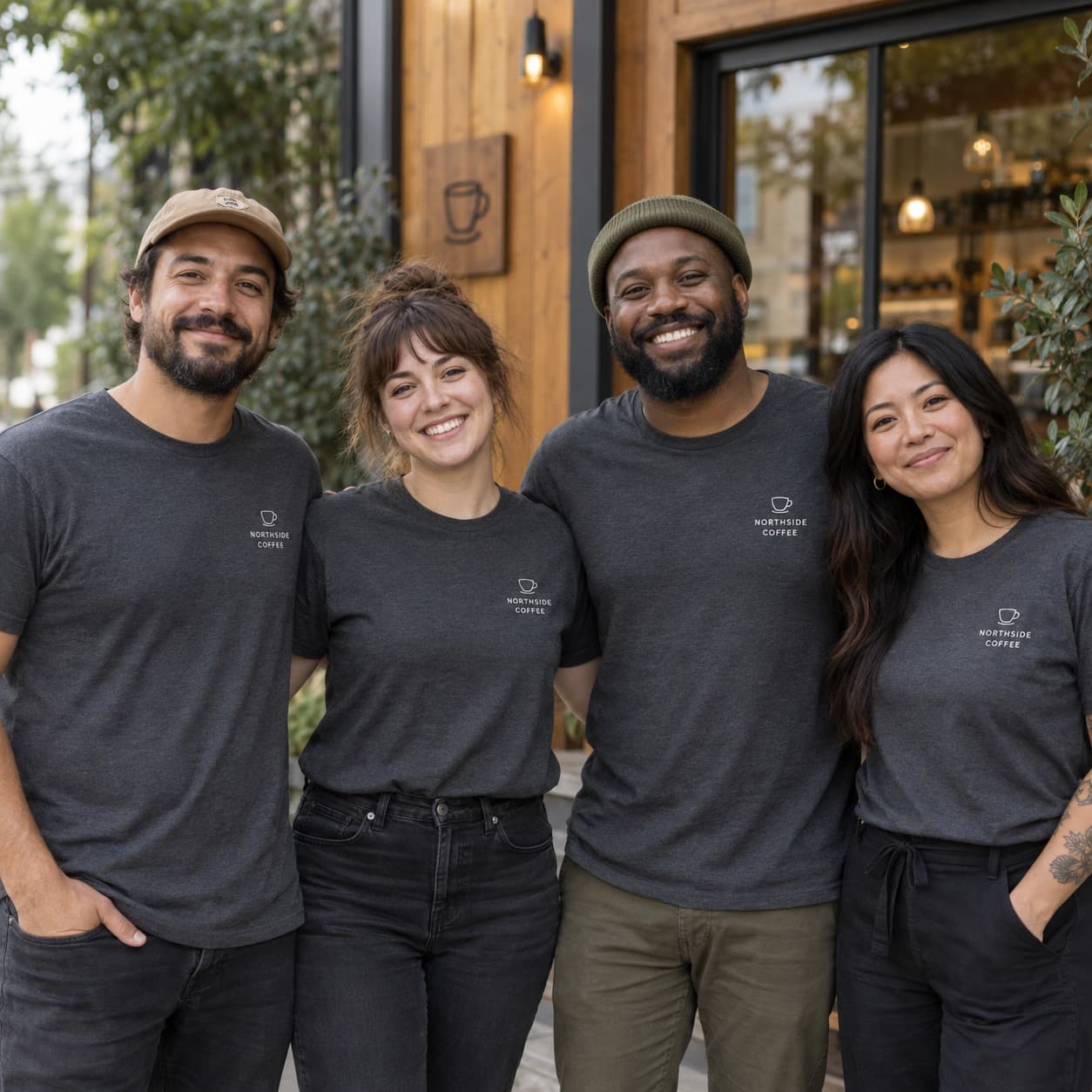
Team of professionals in matching custom company shirts and caps.
Employee shirt, not a generic logo slapBuild shirts for staff photos, onboarding, trade shows, front desks, field crews, and launch days.

Company shirts that feel custom

Built for teams who need shirts people will actually wear.

GPTShirt.ai is the AI company shirt maker for teams that need employee shirts, event shirts, onboarding tees, shop uniforms, or trade show apparel. Type what should be on the shirt, attach a logo if you have one, and preview the design before you order.

Every piece is printed on demand with direct-to-garment (DTG) printing on premium catalog blanks. You can order one proof, outfit a small team, or build a full size run from the same designer.

Best for
Uniforms, events, onboarding, trade shows
Include
Logo, services, tagline, phone, role, location
Feels like
Branded merch, not a plain template

Everyday staff shirts

Give front desks, field crews, cafes, gyms, salons, and service teams a shirt that looks intentional.

Add business name, services, phone number, colors, and whether it should feel clean or bold.

Launches and openings

Make shirts for a grand opening, seasonal push, new location, or customer-facing activation.

Include the date, location, short phrase, and what should be readable from a distance.

Onboarding kits

Create a welcome shirt for new hires, departments, interns, or volunteer crews.

Mention role, department, team name, year, and whether it should feel premium or friendly.

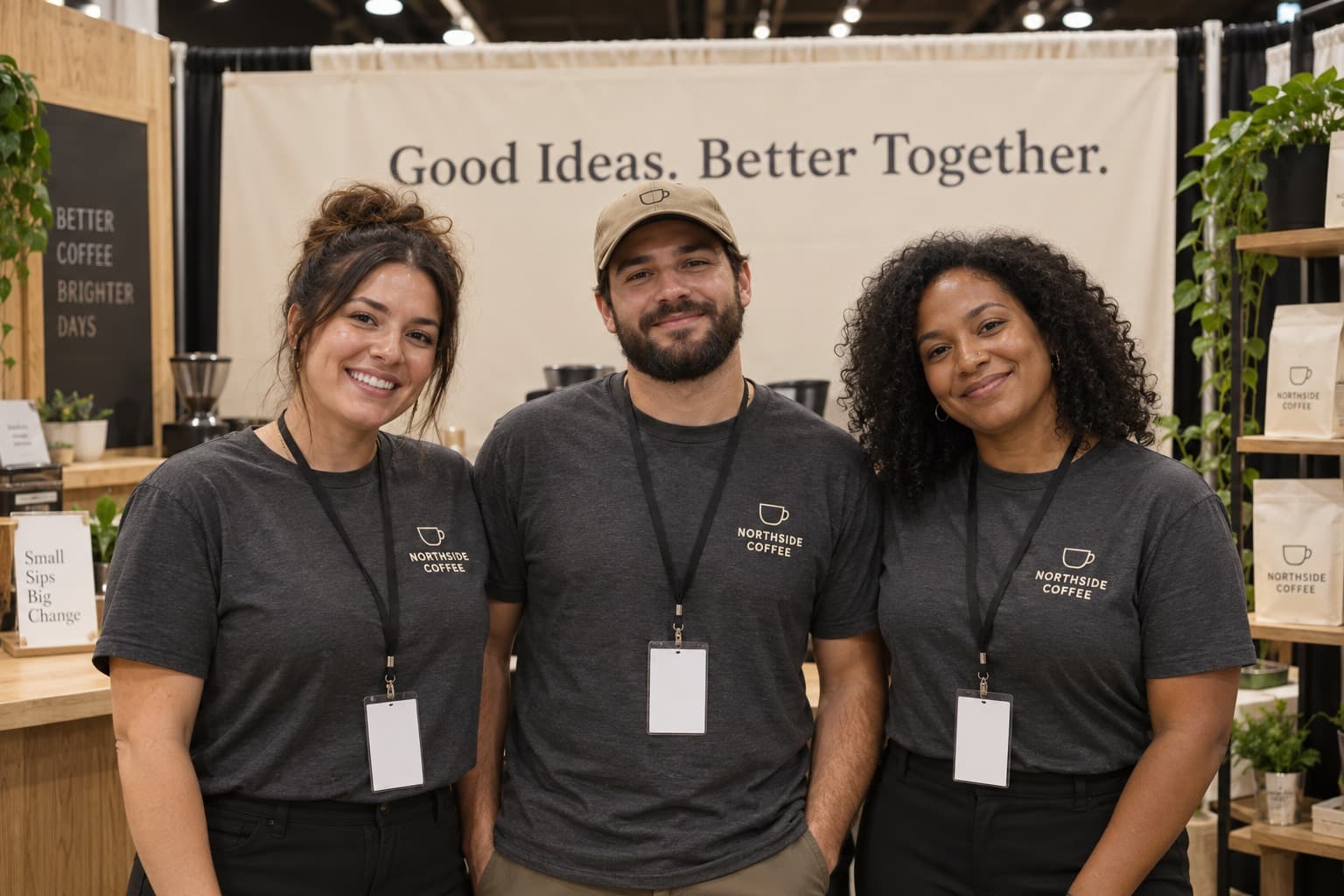
Trade shows and events

Keep the brand visible while giving the event, booth, city, or campaign its own look.

Add event name, city, booth phrase, logo notes, and shirt color ideas.

From idea to cart

Make company shirts without waiting on a bulk quote.

Start with one proof or order for the full roster. The designer keeps the shirt preview in front of you the whole time.

  1. 01

    Type the business details

    Add the company name, logo notes, services, phone number, tagline, role, or event.

  2. 02

    Pick the artwork

    Generate a company-shirt concept, try variations, and keep the version that fits the team.

  3. 03

    Preview the shirt

    Choose shirt color, placement, sizes, and quantities before checkout.

  4. 04

    We print and ship

    Your shirts are printed on demand with live shipping shown at checkout.

From $20.99

per shirt before shipping

No minimum order

proof one shirt or order for everyone

AI artwork included

start with plain language

Planning made simple

A few details help the shirt look like your team.

You do not need design terms. Share the company name, role, colors, logo notes, and anything people should be able to read on the shirt.

Who this page is built for

Use this page when you need shirts for employees, staff, volunteers, a store opening, a field crew, a trade show, or a team event. Start with one proof or add sizes for everyone when the design looks right.

Artwork, logos, and brand consistency

Attach a logo, sketch, old shirt, or brand reference if you have one. The goal is simple: keep the company name readable, make the artwork look good on fabric, and help the shirt feel like your business.

Company events, picnics, and team trips

Company event shirts, company trip shirts, and company picnic shirts usually need more than a logo on the chest. Add the destination, year, venue, department, inside joke, or activity so the shirt feels tied to the day.

Production, quality, and what “on demand” means here

On demand means shirts are printed after you order, so you can proof one before buying more. DTG printing works well for full-color graphics, gradients, and detailed artwork with a soft feel.

Sizing, proofs, and repeat orders

Choose sizes in checkout and keep the design handy for future orders. If the shirts are for a public launch or daily uniforms, start with a proof so you can check color, placement, and readability.

About custom employee shirts on GPTShirt

GPTShirt.ai helps small businesses, agencies, and internal teams create employee shirts without hiring a separate design studio. Describe your company, role, event, or uniform idea in plain language, attach a logo when you have one, and preview the artwork on real garment colors before you add sizes to the cart.

Orders use Direct-to-Garment (DTG) printing on premium catalog blanks, so full-color logos and readable text stay sharp on cotton and blended fabrics. There is no minimum quantity — order one proof shirt, a short onboarding run, or a full roster from the same design workflow.

Planning a retreat or family reunion instead of everyday staff uniforms? See company trip shirts and family event shirts. For broader product comparisons, visit the custom apparel hub or start designing in the AI studio.

Quick answers

Employee & team shirt FAQ

What is an AI company shirt maker?

An AI company shirt maker is a self-serve studio that turns a written brief and an optional logo into print-ready employee and team shirt artwork, then routes it through standard DTG checkout. GPTShirt.ai uses the same AI designer behind one-off custom apparel and applies it to company shirts at any quantity—no separate agency, no minimums, and live previews on real garment colors.

What are custom employee shirts and when should we use them?

Custom employee shirts are branded garments—often t-shirts, polos, or hoodies—printed with your logo, department name, or campaign artwork. Teams use them for everyday uniforms, trade shows, volunteer days, and new-hire welcome kits so staff present a consistent, professional look without sourcing a separate design agency.

How does checkout work for team and employee shirt orders?

You build designs in the GPTShirt studio, add sizes and quantities to the cart, then complete checkout with the same flow as any order. Pricing updates as you change garments or quantities, and you see fulfillment estimates before you pay. Promo codes may appear from time to time in email or campaigns; enter them only when you have a valid code.

Can we make company event shirts for a picnic, retreat, or team trip?

Yes. GPTShirt.ai works well for company event shirts, company trip shirts, company picnic shirts, conferences, retreats, volunteer days, and customer-facing activations. Start with the event name, year, destination, team name, and any required logo or slogan, then preview the design on real shirt colors before ordering the sizes you need.

Is there a minimum order size for employee or team shirts?

GPTShirt does not require a separate bulk quote for small runs—you can order the quantities you need through the standard checkout flow. Order a single proof tee, a short size run, or a larger roster from the same designer.

What printing method do you use for company and team orders?

We use direct-to-garment (DTG) printing on premium catalog blanks. DTG is well suited to full-color graphics, gradients, and detailed artwork while keeping hand-feel soft on the garment—ideal for employee shirts that are worn repeatedly.

Can we match colors or use our brand palette?

You can choose from available garment colors in the designer and align artwork to your brand in the editor. For highly specific Pantone-critical applications, preview carefully on screen and consider ordering a proof quantity before a large rollout.

How do we start designing shirts for employees?

Open the GPTShirt designer, pick an apparel style and color, then generate or upload artwork. Add the sizes and quantities you need to the cart and complete checkout when you are ready. Saved designs make repeat or seasonal orders faster.

Ready when your team is

Start your employee shirt design.

Open the designer in company-shirt mode, add your wording or logo reference, preview the shirt, then choose sizes when you are ready.

Open designer